Adelaide's TechGuy

Solving Computer & Technology Problems - Technology Commentator on FiveAA , PowerFM

Filtering by Category: Registry

Using Registry Software - Back Up The Registry First

So you did not head my advice and ran a registry cleaner or you are thinking of running a registry cleaner.

What should you do first?

Well you should backup your registry.

This can be done in 2 ways.

The first way is to create a system restore point details of which can be found at System Restore Frequently Asked Questions.

Then if your system becomes unstable you can then hopefully restore your system to a time when it worked.

The second method is to go to Start , Run and then type regedit

You can then export a copy of the registry to a flash drive or other media so that if the worst happens and your computer becomes unstable then you are able to restore a copy of the registry from the backup that you made. 

Software To Speed Up Your Computer - Don't Believe It

Many computer users believe in using registry cleaners / speed up my pc / pc tools and other sorts of computer " optimisation " tools that will somehow miraculously improve their computer by removing redundant registry entries or for the average user offer a promise that it will speed up your computer.

It just voodoo , a bit like when you get your car cleaned you feel that it drives quicker.

Here is the warning.

If you play with your registry , back it up before running the registry cleaner because if things go wrong you maybe able to restore your registry.

There is a chance that you can remove a registry key that will make your computer work and or boot , the worst possible scenario is that you will have to format your hard drive and reload your operating system.

Do they speed up your computer , well in my opinion no.

If you are at the stage that you believe a registry cleaner or some other piece of nonsense software will help your computer , put the time and effort in to do a full backup , format , reload , update and restore of your operating system.

Registry Cleaners & Driver Updaters Really Annoy Me

Lately I am seeing a resurgence of people using registry cleaners and driver updaters that promise the world but rarely deliver and in some instances can do some damage or if you have downloaded one from an ad , it can infect your computer with malware.

The ones to especially steer clear of are the ads on the internet that offer to scan your computer.

The windows registry is a database that windows and its software uses to store settings in.

If your computer is running that bad or slow that you think you may need a registry cleaner then you would be better off reinstalling your operating system.

Registry Cleaners , Will They Do Any Good On A Windows PC?

I see many computers where their owners or their IT people have decided to install and run a Registry Cleaner.

The Windows registry is like a database used by Windows to store its configuration information.

There is always a "touch of voodoo " with Registry Cleaners.

Registry cleaners are the equivalent of taking your car to a car wash and claiming that it runs better after leaving the car wash.

If you do not know what you are doing with a Registry Cleaner then do not run a registry cleaner as they can:

  • Damage your system
  • Result in a non-booting system 
  • Remove key files

 Will it make a great difference to your computer? No

Many will run the registry cleaner in the hope that their system will speed up and in all the studies I have seen the answer is probably not.

If you are that concerned about the speed of your system then format your hard drive , update and then reload your documents and software.

This will give you a bigger speed bump than running a registry cleaner.

If you decide to play with your registry then you need to back it up beforehand and hope that if all else fails you will be able to restore the registry.

Back Up Your Registry Instructions

Checkout this article from Make Use Of , on registry cleaners.

10 Things Tech People Do That You Probably Don't

  1. We don't use the big brand anti virus solutions as we follow safe computing practises 10 Steps For A Virus Free Computer
  2. We usually format & reload the operating systems at least once a year
  3. We know how to use the cloud for syncing documents and organising our data
  4. We know how to turn off unnecessary programs from starting on our computers
  5. We don't run Registry Cleaners as we know that if the registry is that bad that you need a Registry Cleaner it is time to format your hard drive and reload Windows
  6. We know why we have lots of memory and the benefits of it for a computer
  7. We know how to secure our wifi networks  
  8. We know how and when to start a computer in safe mode
  9. We know how to do a system restore if disaster strikes
  10. We know that if you don't maintain a computer and its operating system , disaster will strike one day

The Windows Registry - Leave It Alone


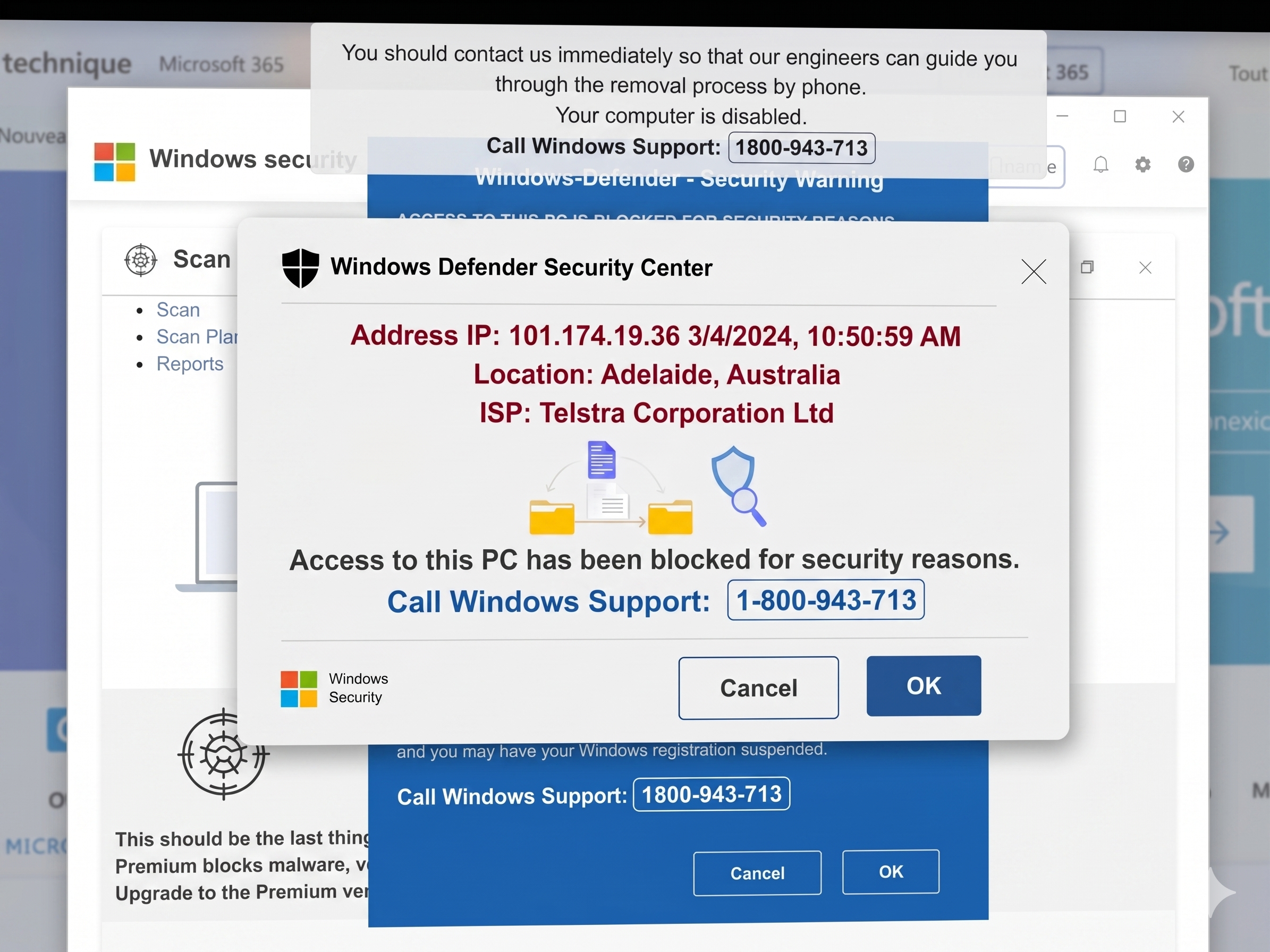
I saw a business the other day saying that they had pop up's on their desktop saying they had a virus and that if they clicked it would be removed.

Their solution was to go into the registry to alter it so the pop up would not appear.

Their are 2 things glaringly wrong with this.

  1. One - they obviously have been infected and altering the registry will not get rid of the problem.

  2. Two - playing with the registry can be one of the most hazardous things you can do to a computer , especially if you do not know what you are doing.

You should always back up your registry before doing any alterations to it and " hope" that if you make a mistake you will be able to restore your registry .

I am also not a big fan of registry cleaners as the supposed benefits of using them never seem to appear , snake oil seems a good word to describe them.

If your computer is that bad that you need to alter the registry it's time to format your hard drive and reload your operating system.