
Richard Pascoe - The Tech Expert
I will be away from the 10th June to the 30th June
If you require an appointment, please email me or send me a text and I will respond on the 30th June
If you require urgent assistance for computer repairs please contact All Needs Computers , 342 King William St on 82118661
You may know me as the voice talking tech on FIVEaa and radio stations around Australia… but when the microphones are off, I spend my days helping real people solve real tech problems.
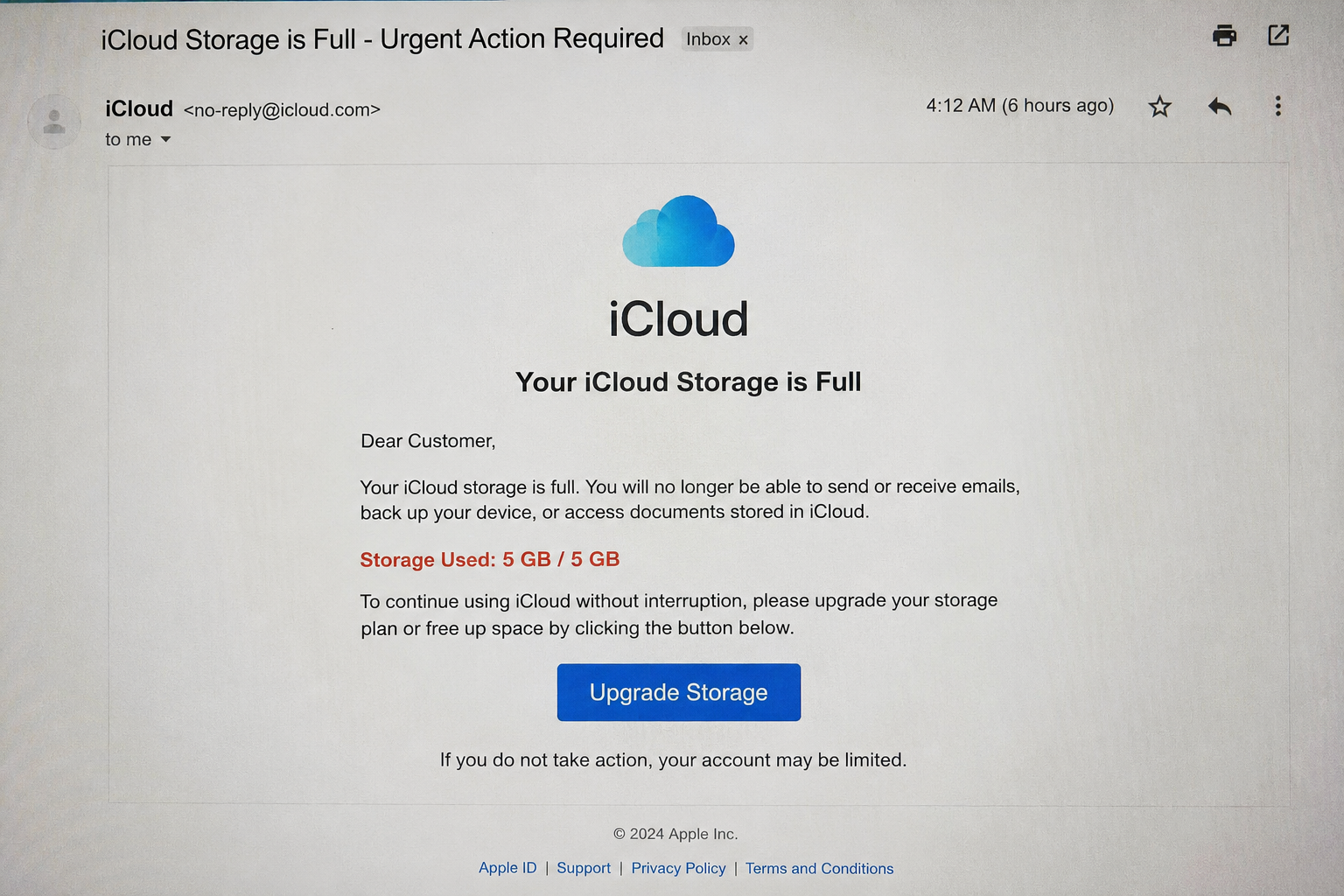
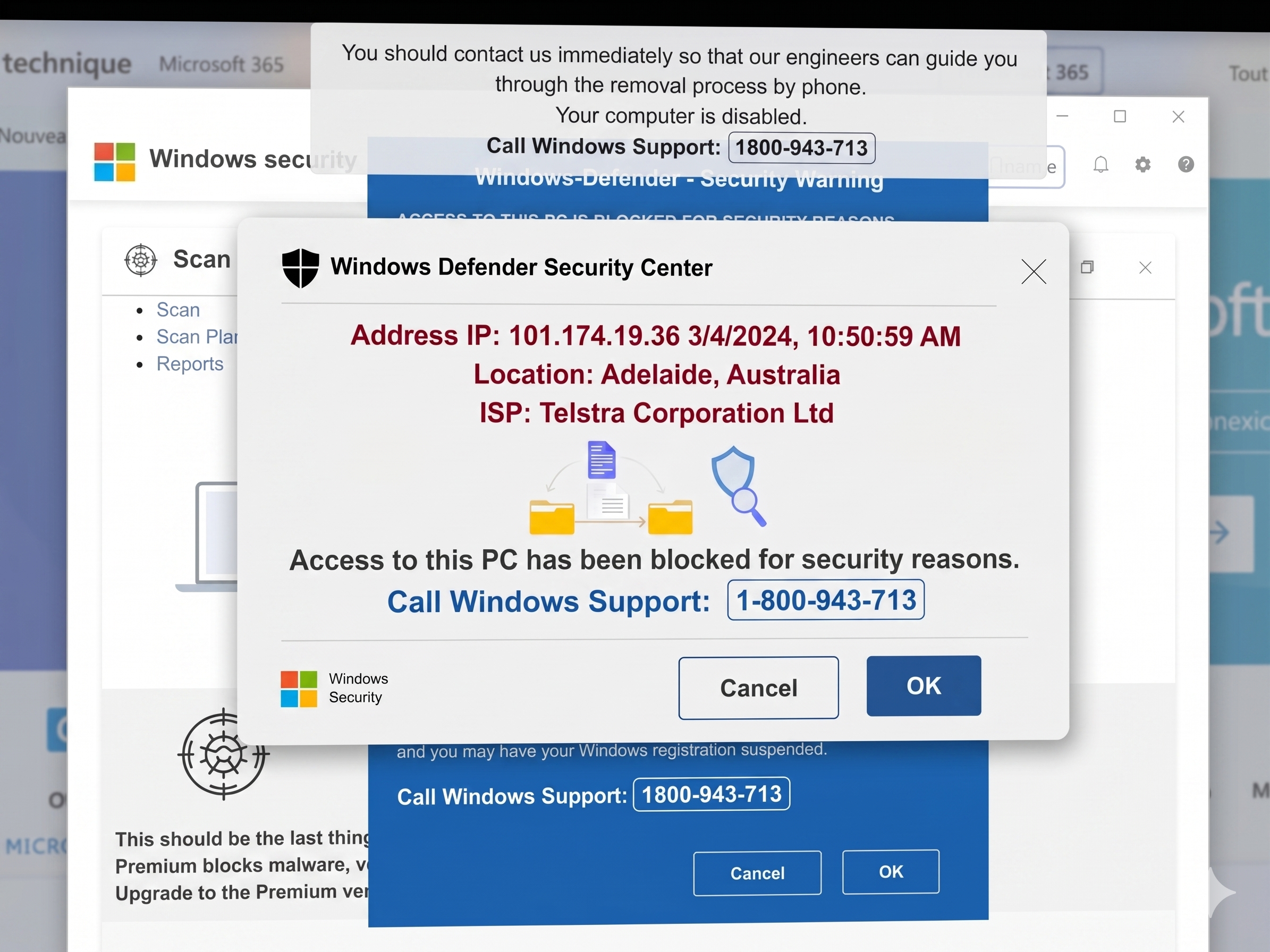
If your computer is running slow, your phone is driving you mad, your Wi-Fi keeps dropping out, or you’re worried about online scams and security — don’t struggle through it alone.
I help Adelaide individuals and businesses with:
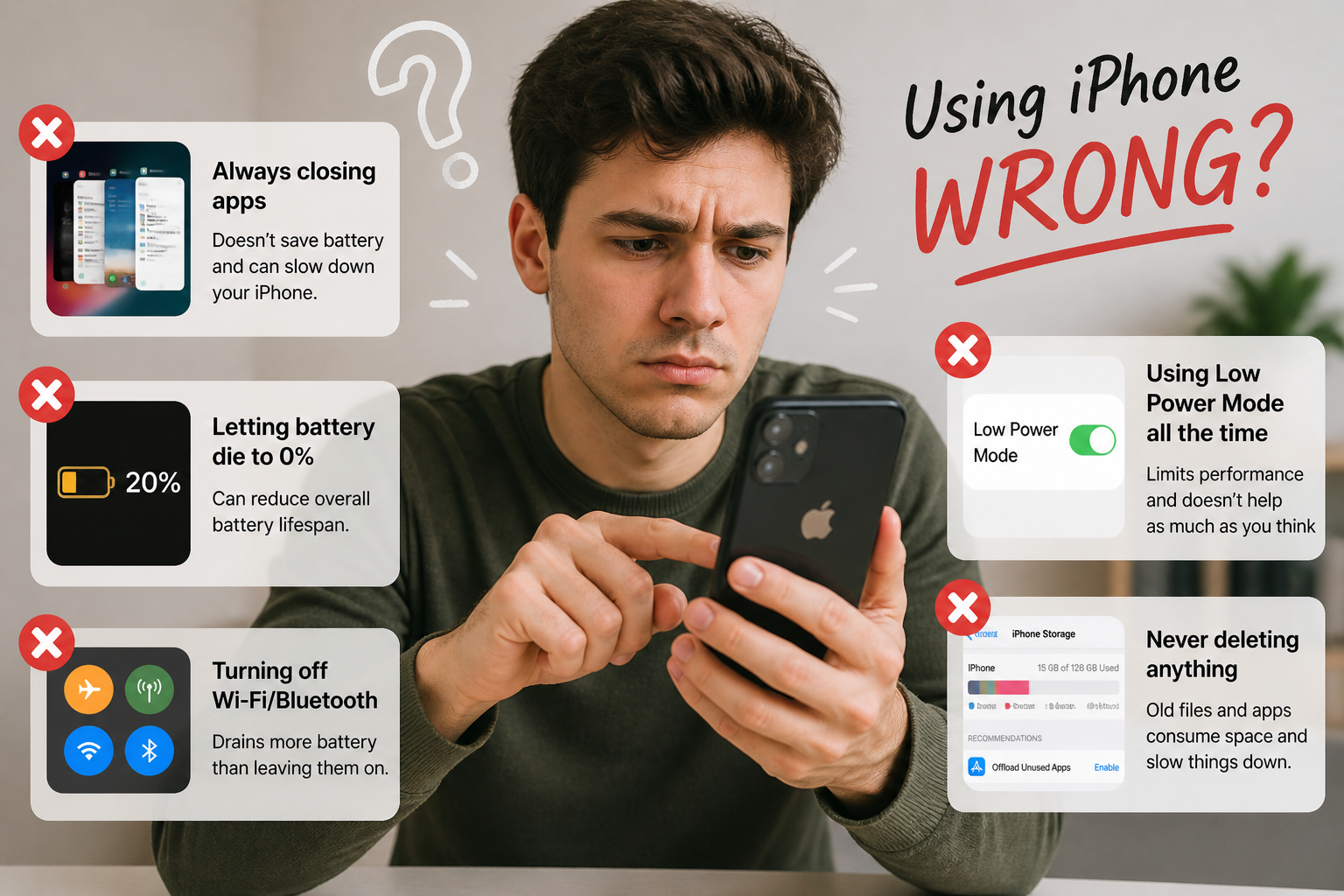
💻 Windows & Apple computer support
📱 Smartphone & tablet setup
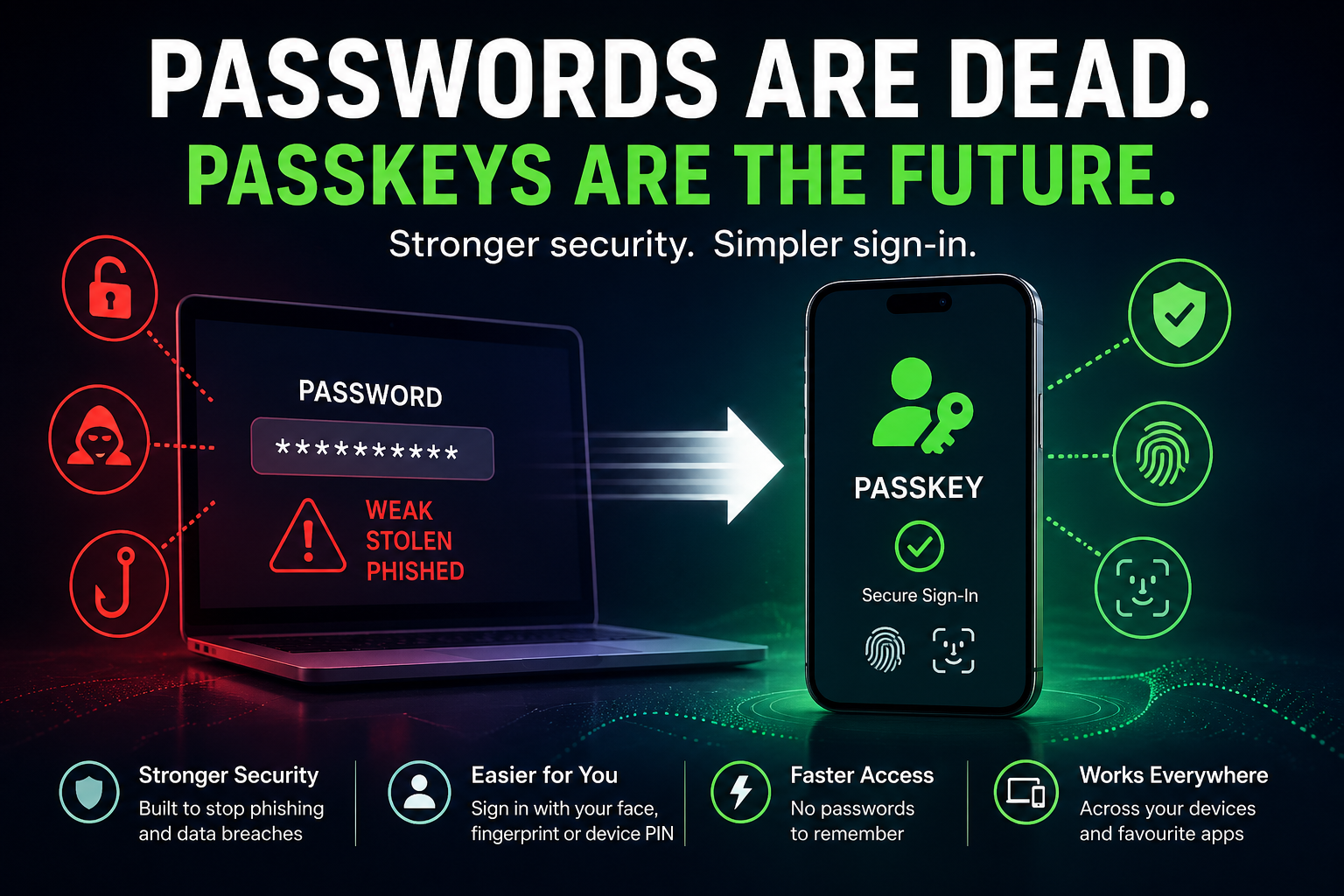
🔐 Online security & scam protection
☁️ Email, backups & cloud services
📶 Home & business Wi-Fi issues
🛒 Advice before buying new tech
⚙️ Proper setup of new computers, tablets and phones
Too many people waste money buying the wrong product, get overwhelmed trying to set it up, or wait until a small issue becomes a major problem.
That’s where I come in.
I’ll help you choose the right technology for your needs, set it up correctly and securely, and explain things in plain English — without the jargon.
If something in your digital world isn’t working the way it should… make me your first call.
— Richard Pascoe
The Adelaide Techguy
Looking to Make An Appointment : CLICK HERE
Looking for the latest How To Articles , CLICK HERE
Have a question for me? - CLICK HERE



Expertise in Tech Consultancy
Experience quality service tailored to your needs and aspirations in the world of technology that has a proven track record. Trust in a professional who understands the importance of your unique journey.
Rely on a seasoned expert to guide you through the complex digital landscape. Stand out with knowledge and finesse in an ocean of online noise with Richard Pascoe - the voice of technology in South Australia.
Stay connected with us on social media platforms


Get in Touch
Need to contact Richard Pascoe?
Call me or message me on 0419829145 provide your details and if you are after an appointment please send me your address and mobile number, and I will endeavor to reach out promptly.
We are eager to assist you!