Adelaide's TechGuy

Solving Computer & Technology Problems - Technology Commentator on FiveAA , PowerFM

Filtering by Category: Windows

Looking For Free CD DVD Burner Software

Looking for a free software alternative that will cater to most of your CD , DVD burning needs.

There are 2 alternatives to use

First you could use CD Burner XP

CD Burner XP will:

  • Burns discs - Data and Music
  • Creates boot discs 
  • Converts iso's 

It is suitable for Windows XP , Vista , 7 and Windows 8

And remember it is Free , I have been using it for a while now and highly recommend it

More information and the download are available at CD Burner XP

The second chioce is InfraRecorder

"InfraRecorder is a free CD/DVD burning solution for Microsoft Windows.

It offers a wide range of powerful features; all through an easy to use application interface and Windows Explorer integration.

Features

Create custom data, audio and mixed-mode projects and record them to physical discs as well as disc images.

Supports recording to dual-layer DVDs.

Blank (erase) rewritable discs using four different methods.

Record disc images (ISO and BIN/CUE).

Fixate discs (write lead-out information to prevent further data from being added to the disc).

Scan the SCSI/IDE bus for devices and collect information about their capabilities.

Create disc copies, on the fly and using a temporary disc image.

Import session data from multi-session discs and add more sessions to them.

Display disc information.

Save audio and data tracks to files (.wav, .wma, .ogg, .mp3 and .iso)."

10 Step Backup & Re-install Guide For Your Computer

If you are going to re- install your operating system on your Windows computer , from Windows XP - Windows 7 you need to follow a step by step system.

Here is my system 

1.BACKUP & ORGANISE

  • Documents
  • Photos
  • Movies
  • Music 
  • iTunes Folder
  • Emails
  • Address Book
  • Internet Favourites
  • Organise Software Installation Discs & Keys

2.REINSTALL WINDOWS 

Format and reinstall Windows 

  • Via Installation disc
  • Via Restore from factory setting which is usually activated at the boot menu

3.SETUP WINDOWS

  • Setup computer via onscreen instructions 
  • Keyboard / Location
  • Check drivers for devices in System Hardware

Note:Do not turn on Automatic updates yet

4.INTERNET

  • Setup Internet access

5.WINDOWS UPDATE

Go to Windows Update

  • Select custom updates
  • Install ALL updates – then reboot
  • Return to custom updates and repeat above step
  • Repeat until no more updates are left

6.ANTIVIRUS SOLUTION

  • Install anti virus & make sure it is updated
  • Reboot and check again for AV updates 

7.WINDOWS UPDATE

  • Now turn on Windows Automatic update

8.SOFTWARE

  • Install software
  • Once software installed , check again for updates

9.DATA

  • Reinstall all your data

10.DEVICES

  • Reinstall all your devices with updated drivers from the internet
  • Cant remember all this, then here is a copy in PDF format that you can download with check boxes included so you can mark off where you are up to.

Looking To Change Your Desktop Wallpaper Try Interfacelift

Looking for a new wallpaper for your computer , iPhone , iPad , netbook then check out the great range at

Interfacelift which have great high resolution wallpapers which suits all monitor sizes and most devices.

Interfacelift list their wallpaper by resolution and device therefore make sure you check what you are downloading to get the picture to enhance your device.

There is a link on their website that will check the resolution on your computer

  • Windows 7 , 8  , right click on the desktop , select personalise , then go to desktop background
  • Windows Vista - start - control panel - personalize - desktop background. 
  • Windows XP download to a folder , right click and select as desktop background.
  • Apple , right click and go to Change desktop background

5AA Spot For 6th Nov

Tablet Sales

If you still need further proof that tablet computers are growing in popularity lets look at some facts 

Tablet sales grew in the last quarter July – Sept 

  • 49% over last year 
  • 6.7% over the last quarter Apr – June 

And 27.8 million tablets sold worldwide 

The 2 big players are Apple at 50% of the sales and Samsung at 18%

Apple sales dipped in that quarter but the iPad mini sales and the iPad sales in the first 3 days of their release ( 3 million ) will probably see there market share rise , however it is the Microsoft Surface sales that a lot will be interested in.

Halo 4 , Call Of Duty 

Halo 4 is out today and call Of Duty will be out next week , if you are buying any of these games as a present at Christmas time make sure you buy the correct one 

Internet Explorer

IE is an integral part of Windows and the way it works , if you have filled it with toolbars that are basically malware then Windows Update will not function correctly.

So what do you do ?

Uninstall the toolbars first , try the free version ( not the paid version of Geek Uninstaller ) and use the " Force Removal Mode " which gets rid of registry entries.

Geek Uninstaller

Then reset internet Explorer

Reset Internet Explorer

Then try Windows Update again , you may have to run a Microsoft Fixit if things do not work

Microsoft Fixit Windows Update

How Do I Run The Malicious Software Removal Tool?

Every month with Windows updates you may notice update's to the  Microsoft Malicious Software Removal Tool which Microsoft updates with all their updates on "update Tuesday"


"The Microsoft Malicious Software Removal Tool checks computers running Windows 7, Windows Vista, Windows XP, Windows 2000, and Windows Server 2003 for infections by specific, prevalent malicious software—including Blaster, Sasser, and Mydoom—and helps remove any infection found.
When the detection and removal process is complete, the tool displays a report describing the outcome, including which, if any, malware was detected and removed."


But here is the problem.

It is not in the programs on your computer , so how do you run it?

Here is the answer.

Go to the start menu and type run , then a dialogue box will appear and then type MRT.

It will then prompt you to do a scan from quick , to a full scan and if you have any doubt you should do the full scan.

A full scan may take a full night so let it run overnight.

Remember this is no substitute for an antivirus program.

Computer Security - How Open Are Your Ports?

If your computer is vulnerable to attacks from the internet , these attacks can come from having open ports.

Ports are an interface that are used to communicate between the computer , other computers & devices that connect with the computer. 

If you have the wrong ports open on your computer , you may have a security risk.

If you are concerned about computer security it is worth paying a visit to Shields Up at GRC.com

You will then be able to run a scan of your computer and see if you PASS the test for open ports on your computer.

If you do not pass then it is worthwhile checking your firewall settings to close these open ports.

So what are ports?

Ports are an "interface" that are used to communicate between the computer , other computers & devices that connect with the computer. 

If you have the wrong ports open on your computer , you may have a security risk.

If you are concerned about computer security it is worth paying a visit to Shields Up at GRC.com

You can run a scan of your computer and see if you PASS the test for open ports on your computer.

If you do not pass then it is worthwhile checking your firewall settings to close these open ports.

Problems With Windows Let Microsoft Fix It


If you are having problems with Windows ( 7 , Vista , XP )  and don't want to reinstall ( which should be the preferred solution ) there is a solution from Microsoft 

Microsoft have the Microsoft Fix It Center Online

After installation it will scan your computer to diagnose and repair problems then it will attempt to fix the issues it has found.

This has proved especially effective for me with Windows Update issues on clients computers.

This is well worth a look for some issues but if you are heavily infected with malware/virus then a reinstall of the operating system is your best choice.

Are There Hidden Partitions On Your Computer?

I have seen hidden partitions on peoples computers that can be hiding various unwanted malware etc.

If you have multiple hard drives or partitions , look for restore partitions first ( don't delete or format that) but the ones to look for are the ones that are a few megabytes in size.

So how do you find the partitions?

On your start menu , right click on computer and click on manage

This will open Computer Management

Click on Disk Management

You will then see all the various partitions on your computer

Remember be careful when doing this but it can highlight a problem area for you as many virus infections can manifest themselves into a small partition on your hard drive.

EaseUs have a free partition manager which will also show the partitions on your hard drive but remember if you dont know what you are doing leave it alone.

Firewalls , How Many Is Enough?

How many firewalls does one computer need?

I am asked that question many times when seeing some people's setup.

I have seen setup's with:

  • Windows Firewall
  • Antivirus Firewall ( The big antivirus packages usually have a firewall solution as well )
  • Software Firewall ( usually Zonealarm , or Comodo )
  • Hardware Firewall ( Your Router )

This really is overkill and can result and does result in a dramatic slowdown of your system.

Your router is the best firewall ( making sure plug n play is turned off ) and along with the Windows Firewall is more than sufficient.

Close The Computer Down The Correct Way

When you finish with your computer shut it down in the proper way.

Go to the Windows Start button 

 
Look for the arrow that points to the right and shut down or restart in the correct way.

Do not just keep your finger on the power button

On the Mac go to the Apple symbol in the top left hand side , click on it and select Shutdown

Adelaide Techguy On Power FM

It is the anniversary of the release of the second digital camera that connected to a computer ( it was a kodak , that worked out well didn't it!!!)

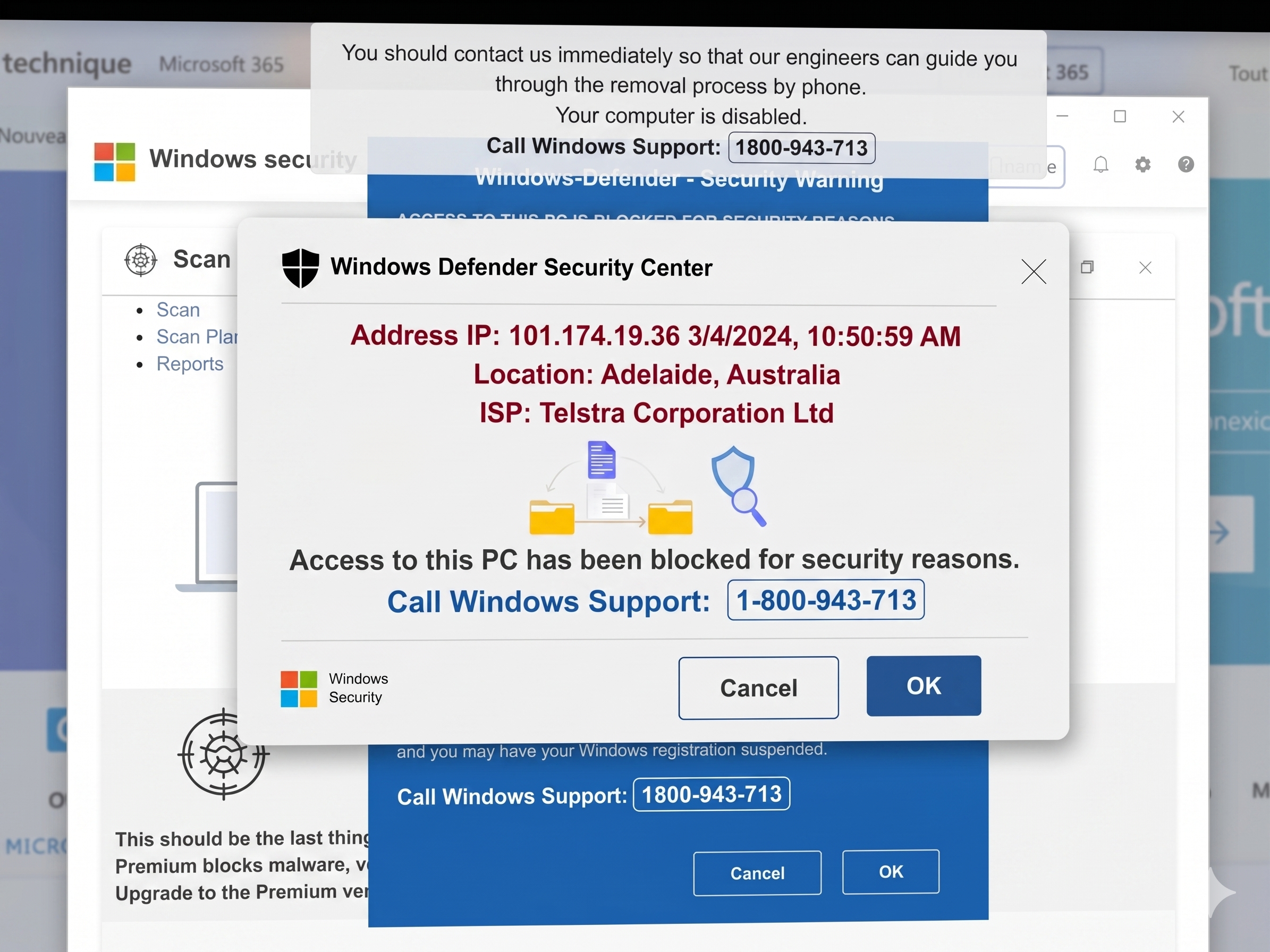
Do not respond to Microsoft fake Calls / Skype fake calls telling you that you have a virus on your computer
If you receive a call trying to pressure you into attending a Facebook training course , dont do it.
The two things that will improve your Google ranking 
Software / App Of The Week
Take a photo of business cards  and it will read the text and enter the card into your address book.


Bogus Email Of The Week

This weeks email is supposed to come from the tax department and encourages you to click to get a refund.

This email is fake and if you click the link it will take you to a website with a south korean address ( certainly not the tax department).

This email is designed to download a trojan to your system.

Do not click this email or the link just delete it , the Australian Tax Office do not send these emails out.

Why You Should See File Extensions In Windows

By default when you install Windows you are unable to see file extensions and many people fail to rectify this.

Why would you want to do this:

To differentiate between different file types , bmp , jpeg , doc etc

To know when a file is an . exe , this is where you should be the most wary of running these unknown files , especially if someone has emailed it to you or you have received it from someone.

So how do you do this.

1. Click Start
2. Select Control Panel
3. Select Classic View
4. Double-click Folder Options
5. Click the View Tab
6. Uncheck Hide Extensions for Known File Types
7. Click Apply button (at the bottom of the window)
8. Click Apply to Folders button (at the top of the window)
9. Click OK

10 Things Tech People Do That You Probably Don't

  1. We don't use the big brand anti virus solutions as we follow safe computing practises 10 Steps For A Virus Free Computer
  2. We usually format & reload the operating systems at least once a year
  3. We know how to use the cloud for syncing documents and organising our data
  4. We know how to turn off unnecessary programs from starting on our computers
  5. We don't run Registry Cleaners as we know that if the registry is that bad that you need a Registry Cleaner it is time to format your hard drive and reload Windows
  6. We know why we have lots of memory and the benefits of it for a computer
  7. We know how to secure our wifi networks  
  8. We know how and when to start a computer in safe mode
  9. We know how to do a system restore if disaster strikes
  10. We know that if you don't maintain a computer and its operating system , disaster will strike one day