10 Facebook Tips Plus How to See Your Friends Feed

We would always like Facebook to behave the way we think it should … However it doesn’t or we don’t spend the time to learn how to adjust it as we need to remember our control over it is minimal as we don’t pay for Facebook.
Looking to see more of your friends content ?
When you want to see your friends content on a smartphone open the app , go to the three dashes on the left hand side of the screen , scroll down and press Feeds.
Then press Friends at the top.
You will now see what your friends are doing plus a few ads ( they need to sell ads as that is their ( business ).
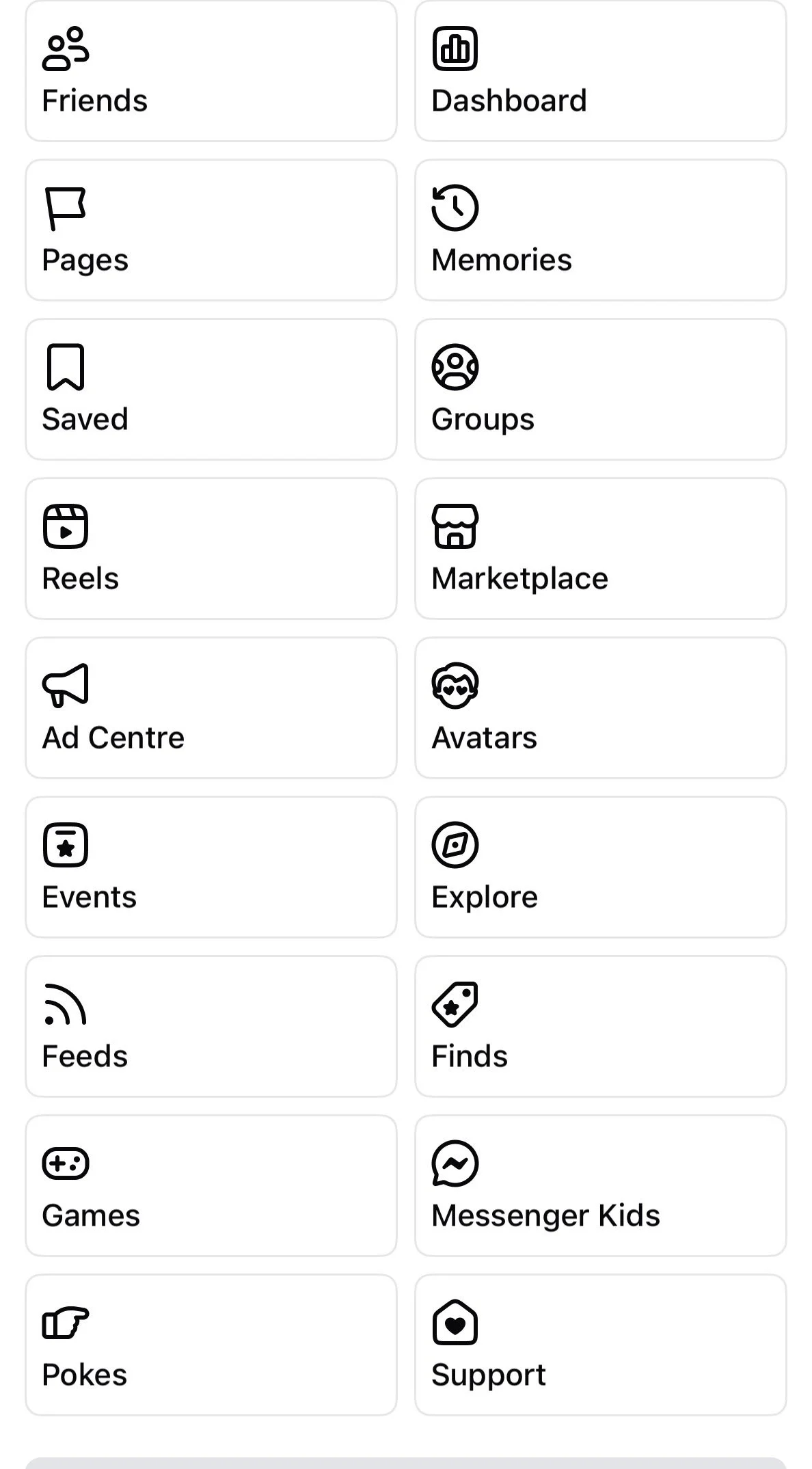
On a computer its very similar , go to your home page , right hand side underneath your name , pan down until you see Feeds then tap friends.
Here is a link to some other tips for Facebook .
10 Hacks Every Facebook User Should Know
Looking for tech assistance please CONTACT ME