Tech Lessons I Learned While Travelling Overseas
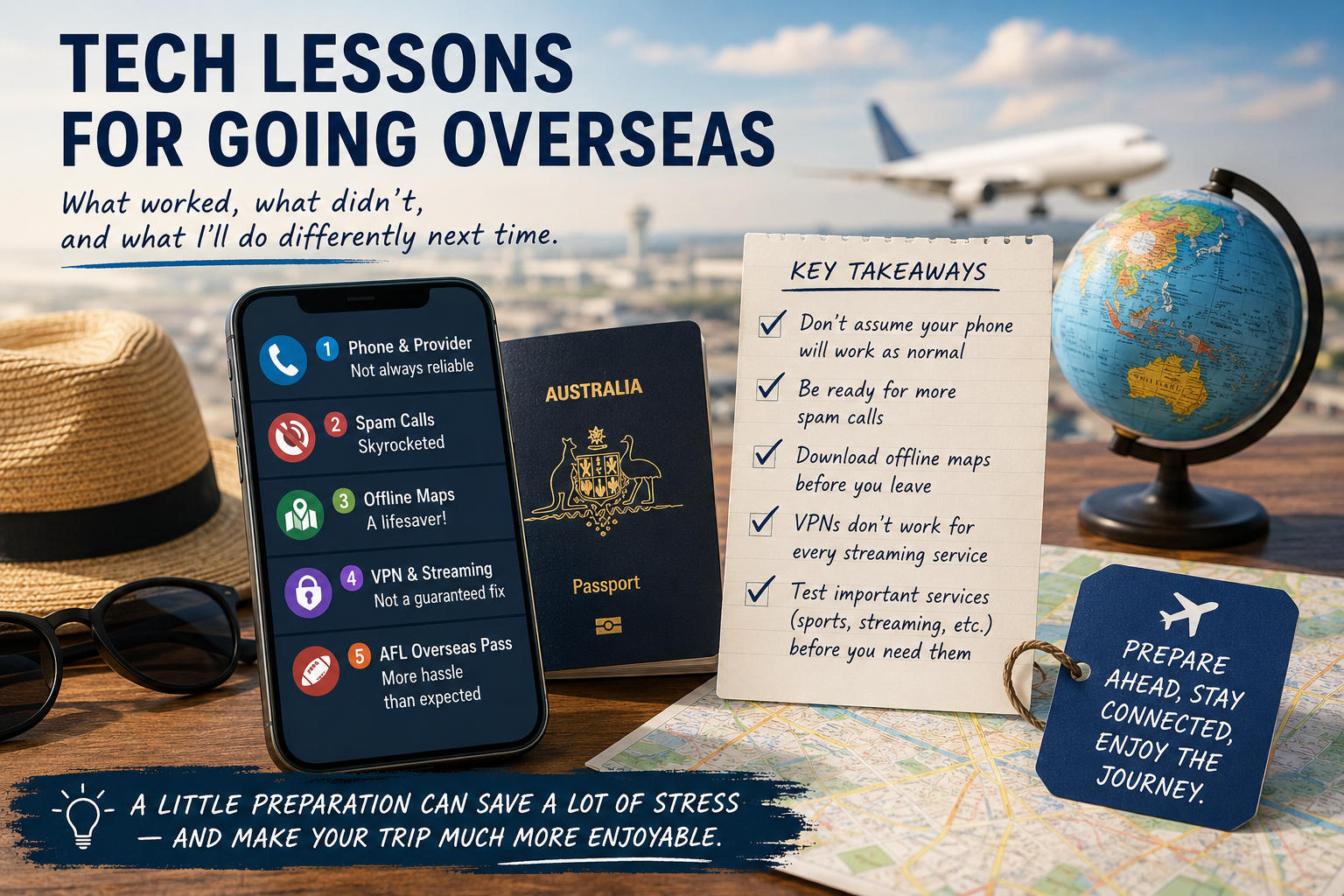
Before heading overseas, I thought my technology would simply continue working as it does in Australia. After all, I had international roaming enabled, all my apps installed, and everything appeared ready to go.
Reality was very different.
Here are a few lessons I learned that might save you some frustration on your next trip.
1. Don't Assume Your Phone Will Work Perfectly
I used international roaming with Vodafone and quickly discovered that things don't always go according to plan.
I could not make calls on many occasions and voicemail simply didn't work , apologies if you were one of the many that could not conatct me.. That's a problem if you're expecting important calls from family, work, or even your bank.
When something went wrong, getting support while overseas proved difficult. Time zone differences, long wait times and the inability to walk into a local Australian store meant resolving issues wasn't nearly as straightforward as it is at home.
My advice: Before leaving Australia, make sure you know how to contact your provider from overseas. Test your voicemail and ensure you have alternative ways for family to reach you, such as WhatsApp, FaceTime or Messenger.
2. Be Prepared for a Huge Increase in Spam Calls
One thing that surprised me was the number of scam calls I received while travelling.
Whether it was simply coincidence or because my number was now roaming internationally, the volume increased noticeably. The last thing you want while enjoying a holiday is constant interruptions from unknown numbers.
My advice: Turn on your phone's spam filtering before you leave and be cautious about answering unfamiliar international numbers unless you're expecting the call.
3. Download Offline Maps Before You Leave
One piece of technology that exceeded my expectations was offline maps.
Before travelling, I downloaded the areas I planned to visit in Google Maps, and it turned out to be one of the smartest things I did. Even when mobile coverage was poor or I didn't have a reliable internet connection, I could still navigate unfamiliar streets, find attractions, restaurants, accommodation and even walking routes.
Offline maps also save mobile data and reduce battery usage because your phone isn't constantly downloading map information.
My advice: Download maps for every city or region you'll be visiting before you leave home. It only takes a few minutes and could save you from getting hopelessly lost.
4. VPNs Don't Solve Every Streaming Problem
Many travellers assume they can install a VPN, connect back to Australia and continue watching all their favourite streaming services.
Unfortunately, it isn't that simple.
Many streaming providers have become very good at detecting VPN services. In my case, services such as Kayo and Disney+ still knew I was overseas and refused to provide the same content available in Australia.
A VPN is useful for improving privacy on public Wi-Fi, but it isn't a guaranteed way of accessing Australian streaming content while travelling.
My advice: Check what content is available in the countries you're visiting before you leave, and don't rely on a VPN as your only solution.
5. Watching AFL Overseas Was More Difficult Than Expected
As an AFL fan, I thought buying the official overseas streaming package would let me watch games without any hassle.
Instead, I was charged twice, couldn't access the match I wanted to watch, and support took several days to respond. By the time anyone got back to me, the game had long since finished.
That's incredibly frustrating when you've paid to watch live sport.
My advice: If you're planning to watch AFL while overseas, consider purchasing and testing your access before an important match. If something goes wrong, you'll hopefully have enough time to resolve it before the first bounce.
Final Thoughts
Technology has made travelling overseas much easier than it was even ten years ago, but it still isn't perfect.
The biggest lesson I came home with is that it's worth preparing your technology just as carefully as you prepare your passport and luggage. Download offline maps, check your mobile roaming before you leave, have backup ways to communicate, understand the limitations of VPNs and streaming services, and don't assume everything will work exactly as it does at home.
A little preparation can save a lot of stress—and let you spend more time enjoying your holiday instead of troubleshooting your technology.