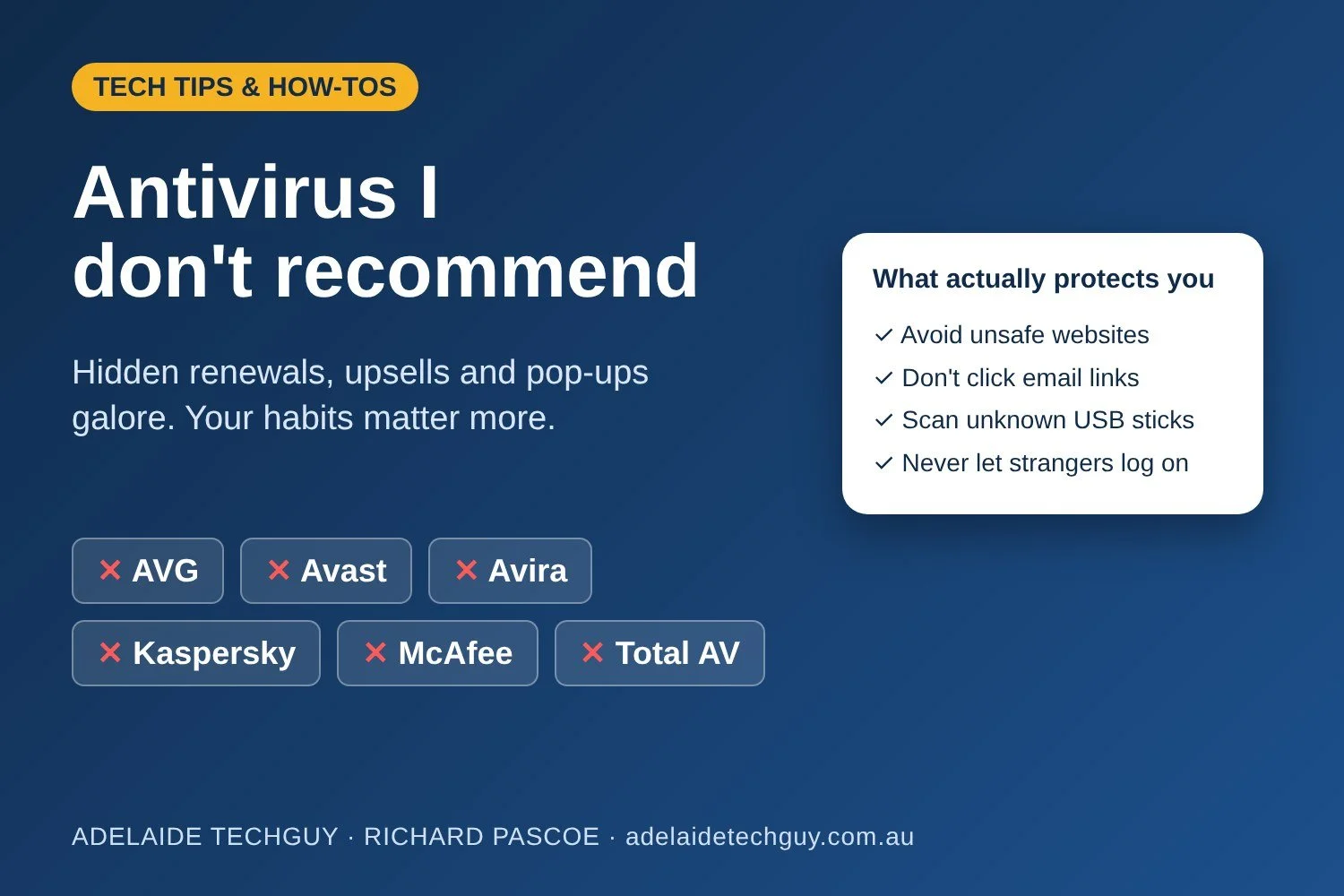
Almost every week I sit down at someone's computer and find an antivirus program they didn't know they were still paying for, popping up every few minutes to tell them how many "threats" it has blocked. So let's clear this up.
The antivirus programs I don't recommend
AVG
Avast
Avira
Kaspersky
McAfee
Total AV
Why I steer people away from them
They trick people into paying without realising. A "free" download or cheap first-year deal quietly rolls into an automatic yearly renewal, often at a much higher price, and cancelling is made as hard as possible. Many of the people I help have no idea the money is coming out of their card every year. McAfee has even paid out to settle a US class action over its auto-renewal pricing.
They try to be everything to everyone. VPNs, password managers, "PC speed-up" tools, identity monitoring, browser add-ons, all bundled in and upsold. Avira even added a cryptocurrency miner to its free antivirus in 2022. Every extra bit is something else to slow your computer down and something else to go wrong.
Pop-ups galore. Constant alerts telling you how good they are, how many threats they've stopped and why you should upgrade. That's not protection, that's advertising. Worse, it trains you to click on security pop-ups, which is exactly what scammers count on with their fake "Your antivirus has expired" messages.
Privacy and trust. In 2024 Avast was ordered by the US Federal Trade Commission to pay US$16.5 million for selling customers' browsing data. AVG and Avira belong to the same parent company. Kaspersky is a Russian company, and in 2025 the Australian Government banned its products from all government systems and devices. It's also been banned from sale in the United States.
Remember: it's your actions that count
Antivirus is a safety net, not a force field. Most of the problems I fix started with something someone clicked, opened or allowed. These four habits will protect you better than any paid antivirus subscription:
Don't go to unsafe websites. Steer clear of dodgy download, "free" movie and cracked software sites. If your browser warns you a site isn't safe, believe it and leave.
Don't click links in emails. Even if it looks like your bank, myGov, Australia Post or a delivery company. Open the app or type the website address in yourself instead.
Don't put unknown USB sticks into your computer without scanning them first. If you find one in a car park, hand it in. Don't plug it in to see whose it is.
Don't let people you don't know log onto your computer. Microsoft, Telstra, NBN and your bank will never ring you out of the blue to "fix" your computer. If someone asks for remote access, hang up.
So what should you use?
If you're on Windows 10 or 11, Microsoft Defender is already built in, free, and runs quietly in the background without nagging you. Keep Windows and your apps up to date and you're well covered for everyday use.
If you bought Norton or Trend Micro with your computer, that’s fine. Keep using it, just make sure you know when it renews and what it costs.
Already have one of these installed?
Cancel it at your account, not just on your computer. Uninstalling the program does NOT stop the payments. All of these need to be cancelled at an account level by logging in to your account on the company's website, turning off auto-renew and cancelling the subscription. Then check your bank or card statement to make sure the charges have stopped.
Use the company's own removal tool. The regular Windows uninstall leaves many remnants behind, which can keep slowing your computer down, keep nagging you, or clash with Microsoft Defender. Each of these companies has a removal tool available on its website that should be used to uninstall them instead:
AVG – AVG Clear
Avast – Avast Clear
Avira – Avira's uninstall tool
Kaspersky – Kaspersky's removal tool (kavremover)
McAfee – McAfee Consumer Product Removal tool (MCPR)
Total AV – removal steps on TotalAV's support website
Download the tool only from the company's official website, run it, then restart your computer and make sure Microsoft Defender has switched back on.
Not sure what's on your computer or what you're paying for? Call me on 0419 829 145 and I'll sort it out. And for more ways to spot scams, grab my printable Scam Protection Guides.