The Benefits Of Using Password Managers in Google & Apple
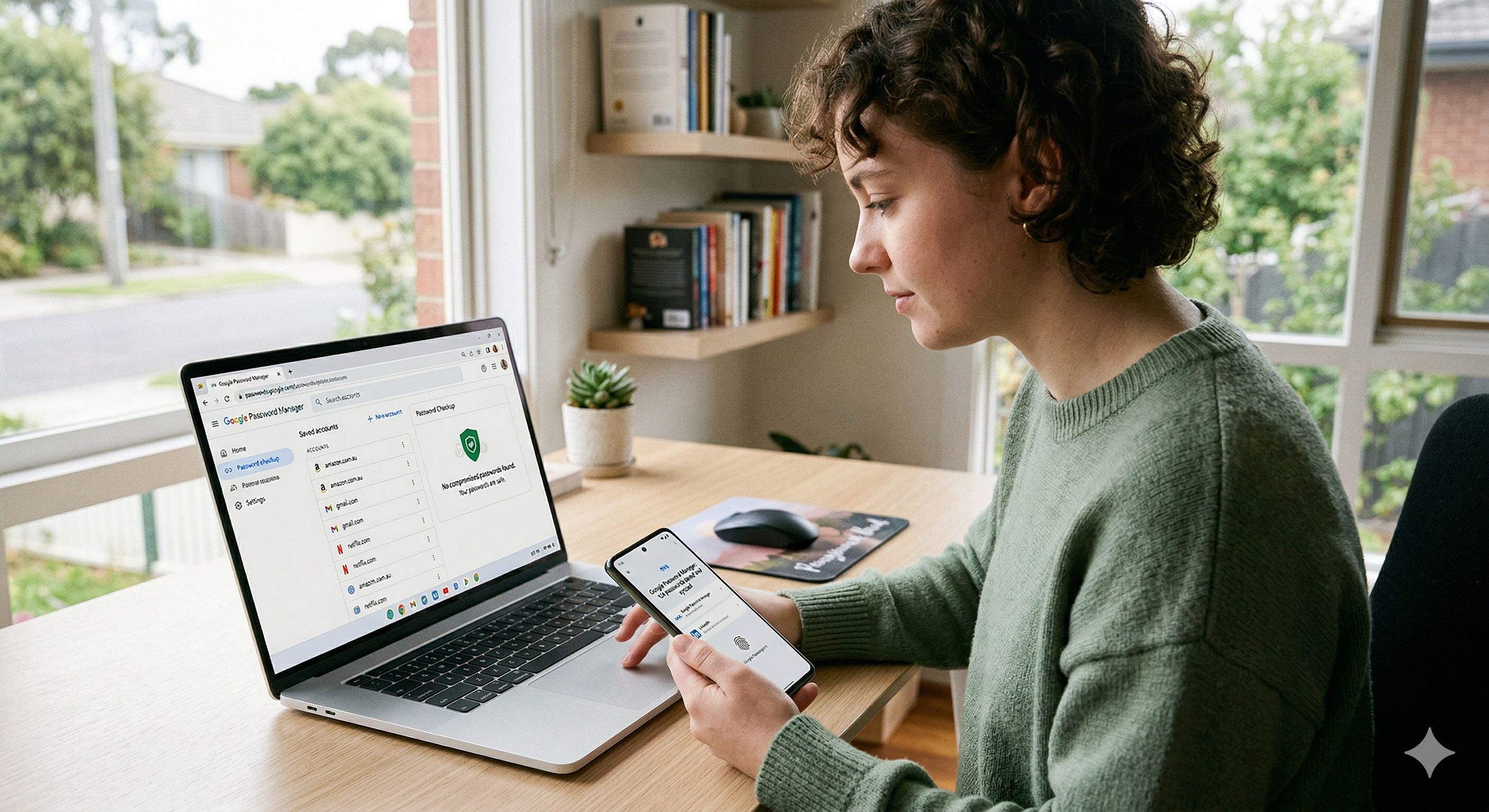
Anyone who has talked to me knows I am a big proponent of password managers.
The 2 easiest ones to manage are the Google Password manager and Passwords for Apple devices.
Both tools automatically create long, unique passwords for every website and store them securely so you don’t have to remember them. That alone solves the biggest security mistake most people make – reusing the same password everywhere.
They also auto-fill logins, saving time and reducing the temptation to choose simple passwords just so you can remember them. Apple’s system integrates tightly with iPhone, iPad and Mac through iCloud Keychain, syncing encrypted passwords across your devices.
Google’s Password Manager shines if you use multiple platforms – it works across Android, Chrome, Windows, macOS and iOS through your Google account.
Both systems now support passkeys, a newer login method that replaces passwords with secure cryptographic keys tied to your device and biometrics like Face ID or fingerprint login.
Some people even use both managers. Apple works seamlessly on Apple devices, while Google provides flexibility when switching browsers or operating systems. The result is faster logins, better coverage across devices, and far stronger security than trying to remember passwords yourself.
The bottom line:
If you’re not using a password manager, you’re doing security the hard way.
More information can be found at this article
Having issues with your passwords or computer / device security - CONTACT ME