When Did You Last Check the Security on Your Online Accounts?
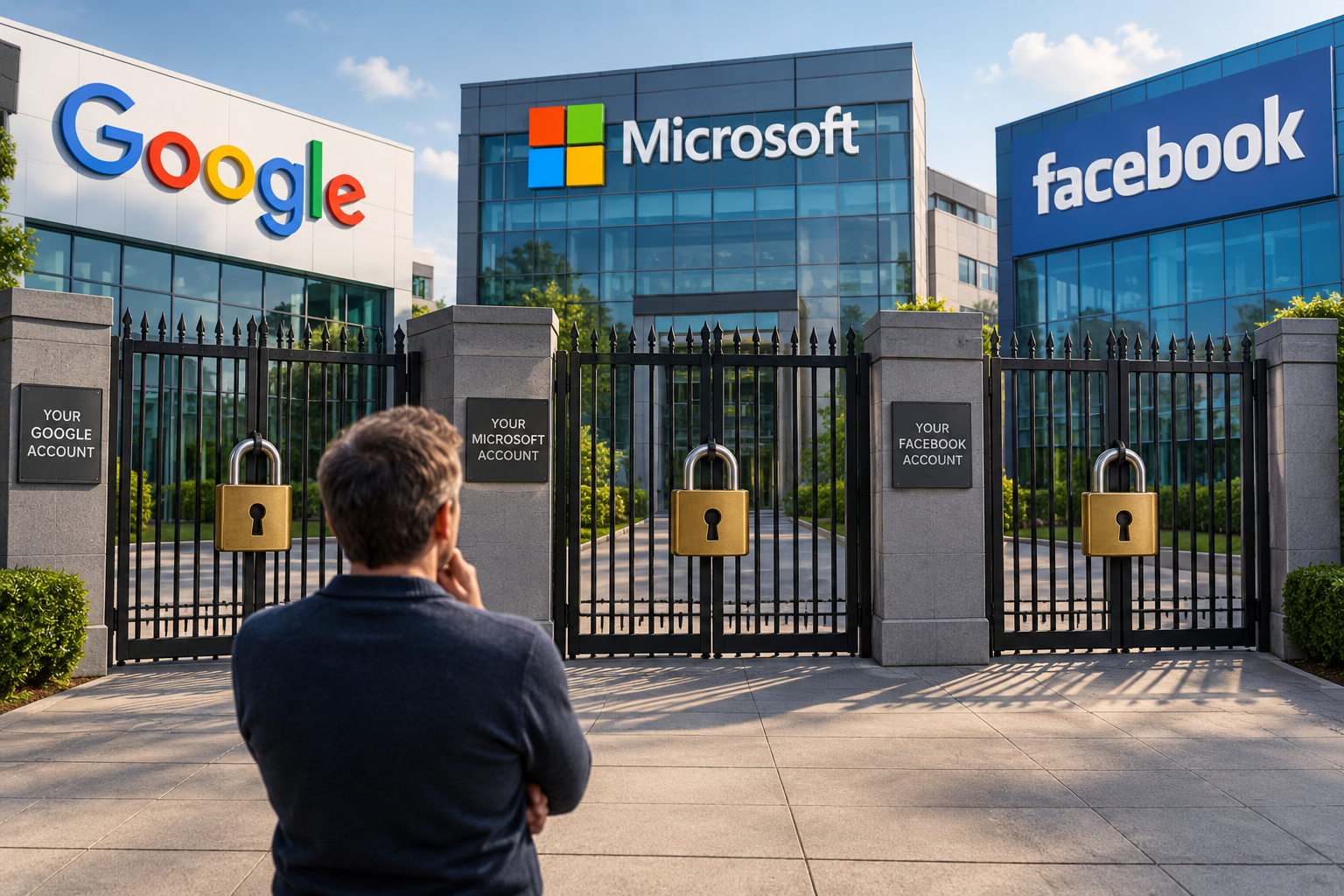
We spend a lot of time worrying about scams, hackers, viruses and dodgy emails. But one of the simplest things you can do to protect yourself online is something many people rarely do:
Actually check the security settings on your accounts.
Your Google, Microsoft, Facebook, Instagram and other major online accounts contain far more than just a username and password. They contain recovery information, trusted devices, login methods and connections to other apps and services.
My recommendation is simple: every six months, give your important online accounts a security check-up.
Why every six months?
Think about what can change in six months.
You may have bought a new phone or computer. You might have stopped using an old device, changed your mobile number or email address, installed an app and forgotten about it, or logged into your account on another computer.
The problem is that your account may remember all of these things long after you've forgotten about them.
Google itself recommends regularly performing its Security Checkup and periodically reviewing your security and privacy settings.
Microsoft also provides a Recent Activity page where you can see when and where your account has been used and identify suspicious activity.
What should you check?
Set aside some time and work through your important accounts.
1. Check your recovery email address
Is it still an email address you use and can access?
This is extremely important. If you lose access to your account, that recovery address may be one of the ways you prove you're really you.
2. Check your recovery phone number
Is the mobile number listed actually your current number?
An old mobile number attached to an account can create problems when you need a security code or try to recover the account.
Microsoft specifically recommends promptly updating your security contact information when your phone number or email address changes.
3. Look at the devices signed into your account
This is one of my favourites because people are often surprised by what they find.
Google, for example, allows you to see computers, phones and other devices where your account is currently signed in or has recently been signed in.
If you see an old phone, tablet or computer that you no longer own or use, sign it out.
And obviously, if you see a device you don't recognise, investigate it immediately.
4. Check two-factor authentication
Having a password alone is no longer enough.
Make sure two-factor or multi-factor authentication is enabled and, importantly, check where those authentication requests are going.
Microsoft points out that two-step verification makes it harder for someone to access your account even if they discover your password.
Google also offers 2-Step Verification and passkeys as additional ways of protecting accounts.
5. Check which apps have access
Over the years we give various apps and websites permission to access parts of our Google, Microsoft and social media accounts.
How many of those apps do you still use?
If you don't recognise something or no longer use it, remove its access.
6. Review recent login activity
Look for logins from devices, browsers or locations you don't recognise.
Don't immediately panic if a location looks slightly wrong — internet providers and mobile networks can sometimes make locations inaccurate — but investigate anything genuinely suspicious.
7. Check your social media accounts
Don't forget Facebook, Instagram and your other social accounts.
Check your password, two-factor authentication, recovery information, logged-in devices and any connected apps.
Remember, losing control of a social media account isn't merely inconvenient. A criminal controlling your account can impersonate you and potentially use the trust of your friends and family to scam them.
Don't wait until you're locked out
This is the important part.
Most people don't investigate their account security until something goes wrong.
That's the worst time to discover that your recovery email address hasn't existed for five years, your authentication code is being sent to an old phone number, or you can't remember which device contains your authenticator.
Account recovery isn't necessarily easy. In some circumstances, even the company providing the account may have limited ability to simply hand it back to you. Microsoft, for example, warns that its support staff cannot simply send password-reset links or change account details on your behalf.
Put it in your calendar
My suggestion is to make this a regular bit of digital housekeeping.
Every six months, check:
Google
Microsoft
Facebook and Instagram
Apple Account
Your main email accounts
Any other account that contains important personal or financial information
Check the recovery email and phone number, devices logged in, recent activity, two-factor authentication and connected apps.
It might take you half an hour.
But that half an hour could save you days — or even weeks — trying to recover an account after something goes wrong.
Online security isn't something you set up once and forget. It needs an occasional service, just like everything else.
Not Sure Where to Start? I Can Help
If you've never gone through these security settings before, or you're not confident that everything is set up correctly, contact me and I can help you with an initial security check of your important online accounts.
We can go through your Google, Microsoft and social media accounts, check your recovery details, look at which devices are signed in, make sure two-factor authentication is configured correctly and identify any old or unnecessary access that should be removed.
The idea isn't that you should need someone to do this for you every six months. I can help get you set up properly the first time, show you what to look for and put you on the right path so that future six-monthly checks are something you can confidently do yourself.
It's far better to discover that something needs fixing while you still have access to your account, rather than finding out when you're already locked out.
Put It in Your Calendar
Once everything has been checked and set up correctly, make this a regular piece of digital housekeeping.
Every six months, check:
Google
Microsoft
Facebook and Instagram
Apple Account
Your main email accounts
Any other account containing important personal or financial information
Check your recovery email and phone number, devices logged in, recent activity, two-factor authentication and connected apps.
It might take you half an hour.
But that half an hour could save you days — or even weeks — trying to recover an account after something goes wrong.
And if you're not sure whether your accounts are properly protected now, CONTACT ME and we'll get that first security check done and get you on the right path.
Online security isn't something you set up once and forget. It needs an occasional service, just like everything else.