Why Your Phone Battery Is Dying (And What You Can Actually Do About It)
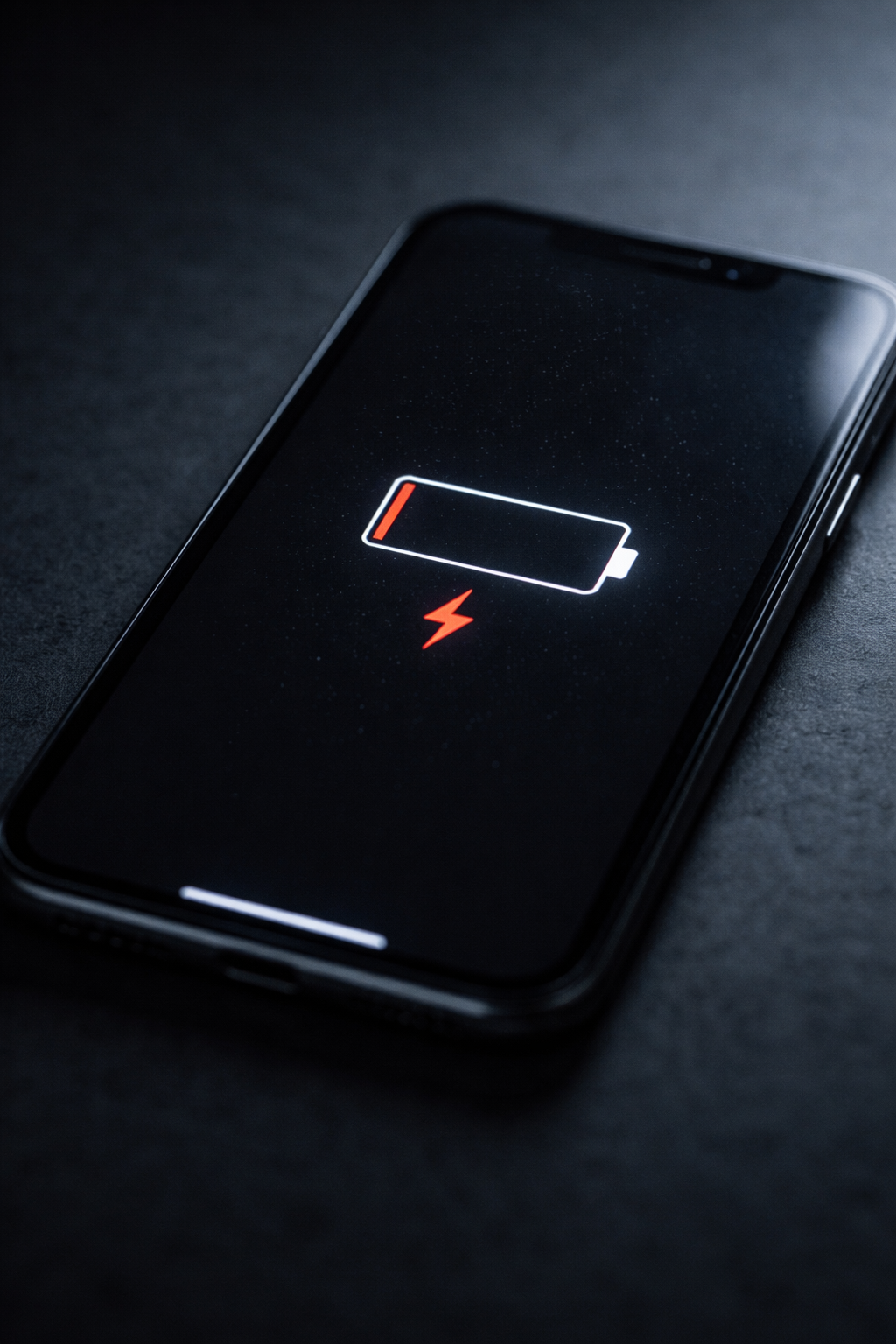
If your phone battery feels like it drops faster than your patience on hold with tech support… you’re not imagining it.
Battery issues are one of the most common complaints I see — and most of the time, it’s not the battery itself… it’s what’s running on your phone.
Let’s break it down properly
Apple iPhone Users
How to Check What’s Draining Your Battery
Go to:
Settings → Battery
Here you’ll see:
Battery usage by app
Last 24 hours or last 10 days
Background activity vs screen use
If an app is high on the list and you barely use it — that’s your culprit.
Common iPhone Battery Drainers
Social media apps running in the background
Location services always turned on
Poor signal (your phone works harder to stay connected)
Check Your Battery Health
Go to:
Settings → Battery → Battery Health & Charging
You’ll see:
Maximum Capacity (%)
Peak Performance Capability
What it means:
90–100% → All good
80–89% → Starting to age
Below 80% → Time to consider replacement
Apple considers 80% the “replace it soon” zone.
Quick Fixes That Actually Work
Turn off Background App Refresh for non-essential apps
Reduce screen brightness or enable auto-brightness
Turn off Location Services for apps that don’t need it
Use Low Power Mode when needed
Android Users
How to Check Battery Usage
Go to:
Settings → Battery → Battery Usage
(May vary slightly depending on brand)
You’ll see:
Apps using the most power
Foreground vs background usage
System usage breakdown
Same rule: if something is high and you don’t use it much — investigate.
Common Android Battery Drainers
Apps not optimised for your device
Widgets constantly updating
Bluetooth, GPS, or hotspot left on
Apps running unrestricted in the background
Check Battery Health (Android Reality Check)
Unlike iPhones, most Android phones don’t show battery health clearly.
If your phone:
Drops quickly from 20% to 0%
Shuts down unexpectedly
Needs constant charging
…your battery is likely worn out.
Quick Fixes That Work
Enable Battery Saver Mode
Restrict background usage for heavy apps
Remove apps you don’t use
Turn off always-on display (big drain)
The Big Truth Most People Miss
It’s not always the battery.
It’s usually:
Apps running when they shouldn’t
Poor signal
Old software
Or just a battery that’s had a good life
When to Replace the Battery (or the Phone)
Consider action if:
You’re charging more than once a day
The phone gets hot regularly
Performance drops with battery level
Battery health (iPhone) is under 80%
Sometimes a $100 battery replacement saves you buying a $1,500 phone.
Final Tip
Before you blame the phone…
Check what’s actually using the power.
Most people never look — and that’s where the problem is hiding.