Apple Releases a Family Guide to iOS 27 Parental Controls
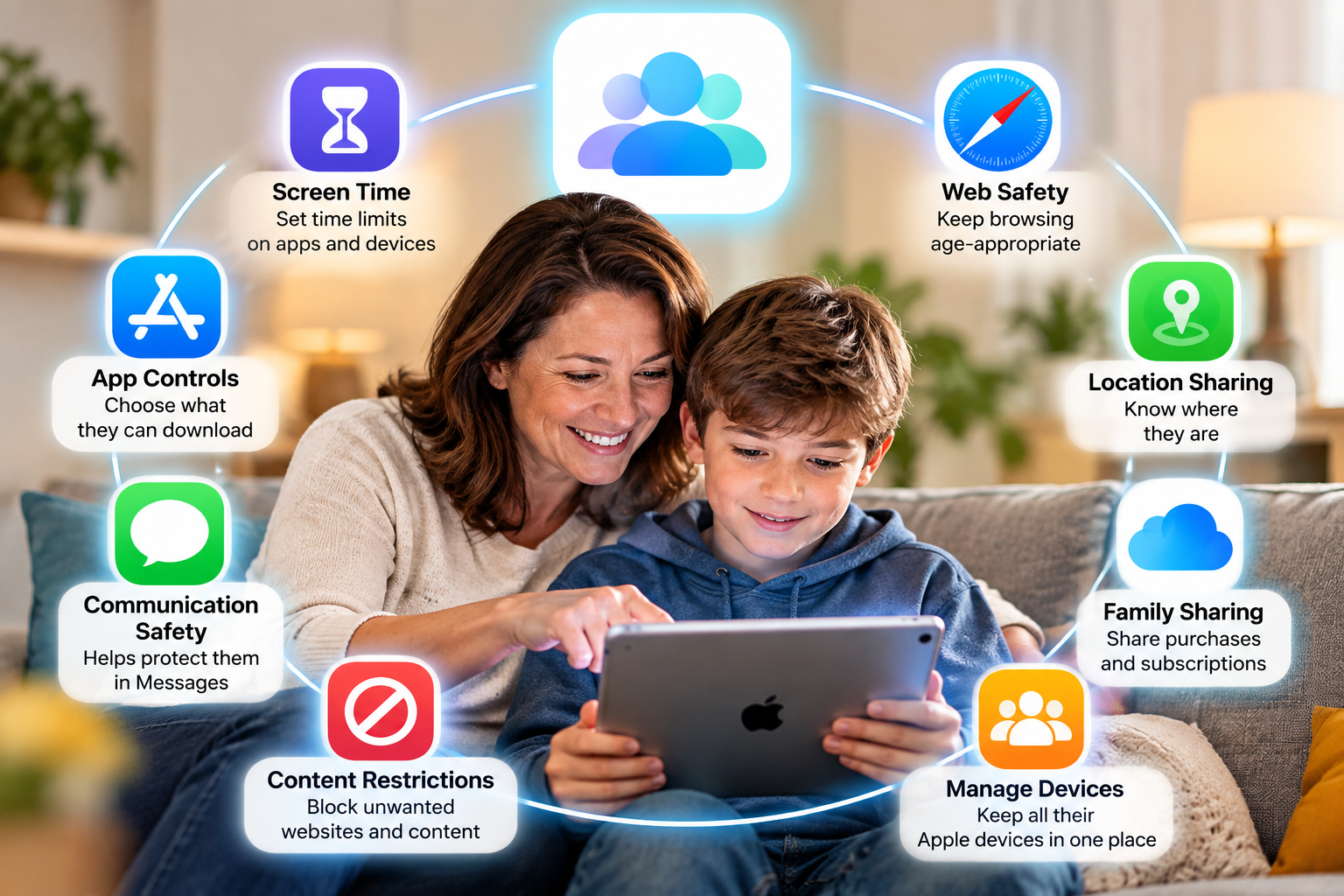
Apple has released a new guide to help parents get the most out of the child safety and Screen Time features in iOS 27, iPadOS 27 and macOS Golden Gate. The guide is called Building Healthy Digital Habits: A Guide for Families, and Apple developed it with the American Academy of Pediatrics.
The guide has six steps. It starts with how to talk to your kids about screen time so they feel part of the plan. It then covers setting up a Child Account to turn on age-appropriate protections, and using Ask to Buy and Ask to Browse so you can approve new apps and websites together. Next, it explains how to use Time Allowances and Schedules to balance device use with sleep, homework, exercise and family time. It also covers choosing who your child can contact. Communication Safety, which blurs sensitive content, is switched on by default for everyone under 18. The last step is about adjusting your family’s plan as your children grow.
The guide also includes the AAP’s screen time recommendations for each age group, from babies to teenagers.
It’s worth knowing that iOS 27 brought a redesigned version of Screen Time. To use it, every device in your Family Sharing group needs to be updated to Apple’s latest software (iOS 27, iPadOS 27, macOS 27, watchOS 27 and visionOS 27).
If you have children using Apple devices, the guide is well worth a read before you set up or review their settings.
Read the full article on MacRumors: Apple Shares New Guide for Using iOS 27 Parental Controls